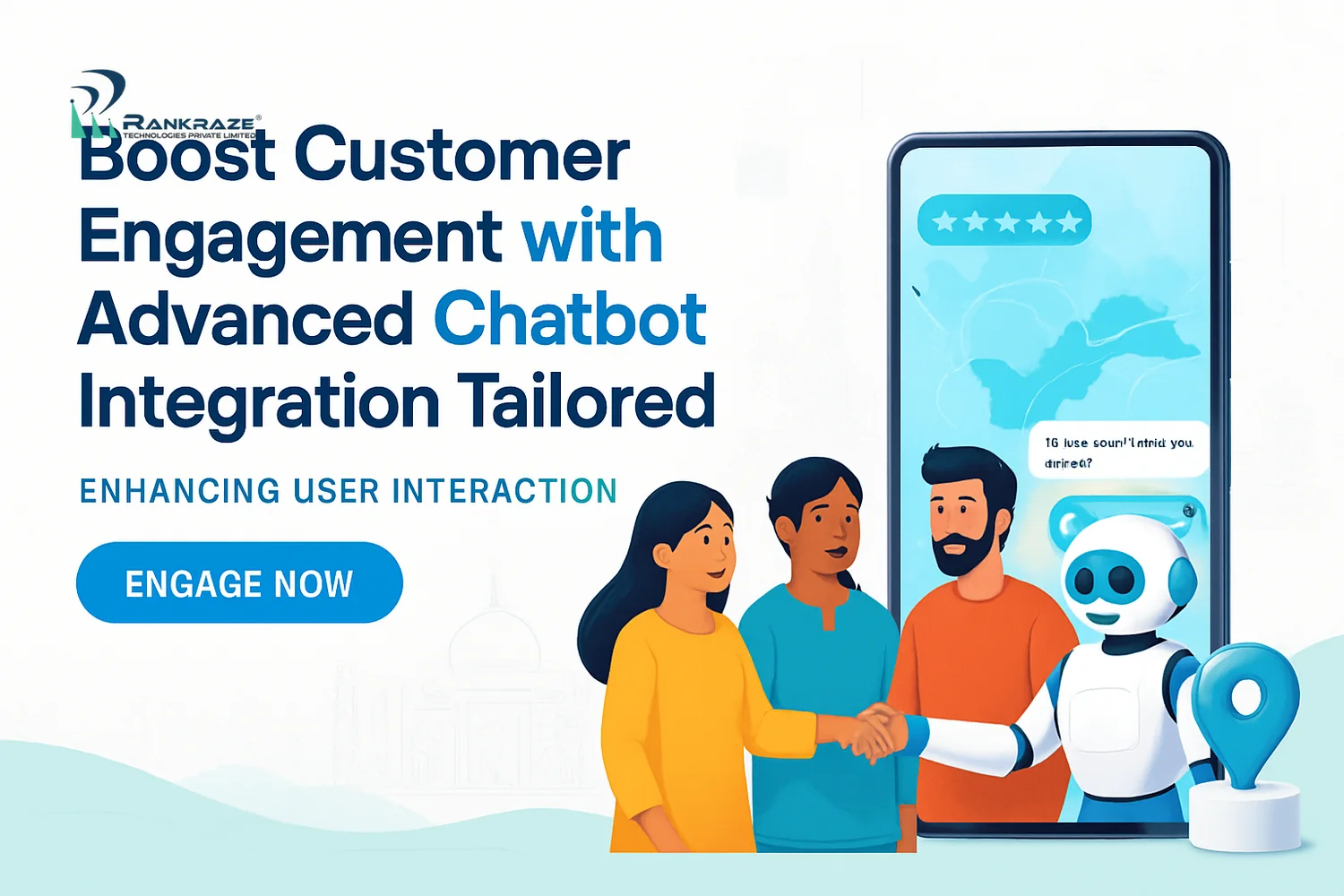
What Is Advanced Chatbot Integration for Indian Websites?
Advanced chatbot integration means adding AI chatbots that do more than answer simple questions. These chatbots handle complex tasks, connect with local services, support Indian languages, and follow Indian data privacy laws. They help users, automate support, and even process payments within the chat. This article explains planning, technical steps, compliance, payment integration, optimization, and real case studies for Indian businesses.
I have worked with Indian companies for over five years. I have seen the shift from simple forms to advanced chatbots. Customers want fast answers, language choices, and easy digital experiences. In India, chatbots must support many languages, payment systems, and mobile devices, while following local laws. Global bots often do not fit the Indian context.
Chatbot Integration Process India: Stepwise Guide with Technical Examples
Start with clear goals. Do you want to lower support costs, get more leads, or drive sales? Next, check your tech stack. Indian websites often use a mix of CMS, old software, and payment APIs.
Pick a chatbot backend that fits your needs. In India, Google Dialogflow, Microsoft Bot Framework, and Yellow.ai are popular. Make sure your chatbot connects securely with your website and backend systems.
Set clear chatbot goals, like reducing response time or enabling payments.
Check your CMS, hosting, and software needs.
Choose a platform with Indian infrastructure support.
Connect your CRM or database using secure APIs.
Test for speed and reliability on Indian networks and devices.
Improve the chatbot based on user feedback after launch.
Here is an example of connecting your chatbot to a MySQL database for lead capture:
const mysql = require('mysql'); const connection = mysql.createConnection({ host: 'localhost', user: 'youruser', password: 'yourpass', database: 'leads' }); function storeLead(name, phone) { connection.query('INSERT INTO leads (name, phone) VALUES (?, ?)', [name, phone]); }
Start with a simple FAQ bot. Add more features as you learn from users.
AI Chatbot Features for Indian Websites: Multilingual and Localization
Many Indian users like to chat in their own language. If your chatbot only supports English, you lose a big audience. India’s digital users speak many languages and dialects.
Find out which languages your users prefer. Hindi, Tamil, Telugu, Bengali, Marathi, and Malayalam are common. Hinglish is also popular. Use NLP platforms like Dialogflow and work with local language experts. Test new languages with real users in each region.
Gather data with native speakers who know local slang.
Let users switch languages during chats.
Check that fonts and scripts show correctly for Indian languages.
Test new languages with regional users before a full launch.
For example, a Hyderabad ecommerce brand saw more engagement after adding Telugu and Hinglish options.
Indian Payment Gateway Chatbot Integration: Technical Steps
Many international chatbots do not support Indian payments well. To close sales, your chatbot must work with gateways like Paytm, Razorpay, or PhonePe. If not, users may leave at checkout.
Register with the payment gateway and finish KYC.
Get API keys from the developer dashboard.
Set up your chatbot payment module with these API keys.
Enable instant payment confirmation using callbacks.
Test the payment flow with Indian payment methods.
Go live after a security check.
Example: Integrating Razorpay in a Node.js chatbot
const Razorpay = require('razorpay'); const razorpay = new Razorpay({key_id: 'YOUR_KEY', key_secret: 'YOUR_SECRET'}); function createOrder(amount, receipt) { return razorpay.orders.create({ amount: amount * 100, // amount in paise currency: 'INR', receipt: receipt }); }
Always use HTTPS, encrypt tokens, and follow PCI DSS if you handle card data. A Chennai edtech startup saw payment drop-offs fall by 30% after adding UPI payments to their chatbot.
Chatbot Compliance India Data Privacy: Laws and Best Practices
Data privacy is important. The IT Act 2000 and Digital Personal Data Protection Act 2023 require clear consent, visible privacy policies, and strong encryption. Not following these laws can mean fines and lost trust.
Show a consent dialog before collecting personal data.
Encrypt data in transit and at rest (use tools like Node.js crypto).
Let users view, edit, or delete their data.
Host sensitive data on Indian servers if needed.
Schedule security audits with certified experts.
Example: Adding a consent dialog in your chatbot flow:
if (!user.hasConsented) { bot.send('We need your consent to proceed. Please accept our privacy policy.'); }
Make your privacy policy easy to find. Train your bot to answer questions about data use in simple words.
Tip: Always ask chatbot vendors for proof of Indian data privacy compliance and recent security audits.
Mobile Optimized Chatbots India: Best Practices
Over 90% of Indians use mobile devices for the web. Many use slow networks or entry-level phones. If your chatbot is slow or does not load, users will leave.
Design chatbot widgets for popular phones like Redmi or Realme.
Use lightweight frameworks and lazy loading for fast loading.
Add PWA features so chats resume after network drops.
Keep images and files small to reduce load times.
Offer quick reply buttons to make typing easier.
Switch to a lite version on slow networks.
For example, a Delhi ecommerce store cut chatbot bounce rates by half by making their bot load in under two seconds on 3G.
Chatbot Platforms Comparison India: Key Options
Platform | Language Support | Payment Integration | Compliance | Best For |
|---|---|---|---|---|
20+ Indian languages | Paytm, Razorpay, PhonePe | GDPR, Indian data residency | Enterprises, BFSI, e-commerce | |
10+ Indian languages | Paytm, Razorpay | Custom privacy, audit trails | Mid-large businesses | |
Custom language packs | Custom API integration | Depends on deployment | Developers, startups | |
Hindi, English, some regional | Razorpay, Paytm via Zoho Flow | Zoho privacy policy | SMEs |
For deep localization, Yellow.ai is a strong choice. For small businesses, Zoho SalesIQ offers good CRM sync. Always ask for a proof-of-concept using real data before you decide.
Chatbot ROI Indian Businesses: Measuring Impact
Track key metrics from the start using Google Analytics and your chatbot dashboard. Focus on engagement rate, resolution rate, drop-off points, and conversions. Split data by language and region to find gaps.
Calculate chatbot ROI by comparing support ticket numbers, sales, and user time on site before and after adding a chatbot. If results are not good, check chat logs, expand FAQs, or improve payment steps.
Keep improving. Review analytics each month and ask users for feedback.
Post-Launch Chatbot Optimization: Actionable Steps
Watch user feedback closely after launch.
Check chat logs for common problems.
Update your knowledge base and FAQs often.
Retrain NLP models for better accuracy in Indian languages.
Test new conversation flows with A/B testing.
Change payment and language options as user needs change.
Chatbot Case Studies India: Real Results
Mumbai Fashion Retailer
This brand launched a chatbot in English, Hindi, and Marathi with Razorpay integration. Support tickets fell by 35%. Purchases rose by 22% in three months.
Hyderabad NBFC
A finance firm used Yellow.ai for loan pre-qualification in Telugu and English, linking with Paytm for EMIs. Qualified leads tripled after launch.
Delhi Diagnostic Chain
Their chatbot handled COVID-19 test bookings in Hindi, English, and Punjabi. Wait times dropped by 40%. Patient feedback improved.
Bangalore Edtech Startup
Their mobile-ready chatbot booked demo classes and took payments via PhonePe and Razorpay. Demo bookings doubled within weeks.
These cases show that local language, payment, compliance, and mobile focus are key for chatbot success in India.
Common Challenges in Chatbot Integration for India and How to Solve Them
Legacy API Integration: Use middleware or API gateways to connect old systems.
Complex Language Handling: Use custom NLP models and test with local users.
Mobile Performance: Optimize widgets for size and speed; test on real devices.
Payment Security: Use PCI DSS-compliant gateways and tokenization; run security audits.
Data Privacy Compliance: Follow IT Act and DPDP Bill; store data in India; give users control.
For example, if your payment API times out on mobile, use retry logic and show instant feedback to users. If users complain about language errors, retrain your NLP model with more local data.
Frequently Asked Questions about Advanced Chatbot Integration for Indian Websites
What are the key steps to integrate advanced chatbots on Indian websites?
Set clear chatbot goals, check your tech stack, pick a platform with Indian features, localize content, follow privacy laws, add Indian payment gateways, optimize for mobile, and keep improving based on user data.
How do chatbots support multiple Indian languages and dialects?
Chatbots use NLP models trained on regional languages. They detect and switch between languages as users chat. Regular updates and local language experts keep responses accurate.
Which Indian payment gateways can be integrated with chatbots?
Paytm, Razorpay, PhonePe, CCAvenue, Instamojo, and PayU are common. They offer APIs for secure payment in chat, supporting UPI, cards, net banking, and wallets.
How do chatbots comply with Indian data privacy regulations?
By getting clear user consent, encrypting all data, following local data rules, and giving users control over their data. Regular security audits help prevent breaches.
What are best practices for post-launch chatbot optimization?
Watch engagement and drop-off rates, update FAQs, retrain language models, test new flows, and use analytics to make the bot better.
How to choose the right chatbot platform for Indian businesses?
Compare platforms for Indian language support, payment integration, compliance, scalability, and local support. Always test with your real data before choosing.
What challenges arise during chatbot integration in India?
Common issues are legacy API integration, complex language handling, mobile performance, secure payments, and data privacy compliance.
How do AI chatbots improve ROI for Indian companies?
They automate support, increase conversions, process payments, and offer 24/7 local language help. This reduces costs and increases revenue.
Key Takeaways for Advanced Chatbot Integration for Indian Websites
Advanced chatbot integration for Indian websites means meeting users on mobile, in their language, with fast and secure service. Focus on localization, payment integration, compliance, and ongoing improvement. These steps drive engagement, loyalty, and business growth.
Use proven frameworks and check analytics often. Adapt quickly and focus on real user needs to succeed in India’s digital market.
About the Author
Author: Rishi Mehra
Experience: 5+ years implementing chatbots for Indian businesses in ecommerce, finance, education, and healthcare. Rishi specializes in multilingual AI systems, secure API integration, and performance optimization for Indian web and mobile platforms.
Related Articles
How to Seamlessly Integrate React JS with Headless CMS for Scalable Web Apps in India
Boost Your Business Efficiency with AI-Powered Chatbots for Customer Service Automation in India
Using Drone Technology in Video Productions: Unlocking New Creative Horizons for Indian Businesses
Creating Brand Guidelines for Consistent Messaging: A Step-by-Step Guide for Indian Businesses
Future-Proof Your Site: Best Practices for Website Security in 2026 Explained
Why Influencer Marketing is a Game-Changer for Indian Startups: Benefits and Future Trends
Mastering Product Branding: Top Strategies for Indian Businesses in 2026
Branding Meaning Explained: Essential Brand Strategy Guide for Businesses in India
Mastering the Software Development Life Cycle: A Complete Guide for Indian Businesses
Related Articles
The Ultimate Guide to Software Application Development for B
What Is Branding? A Comprehensive Guide for Indian Businesse
Step-by-Step Video Production Techniques for Marketing Video
The Complete Guide to Building Brand Identity for Startups w
Related Articles
Step-by-Step Guide to Designing Responsive Corporate Website
Step-by-Step Guide to Pay Per Click Advertising Campaigns in
How AI Services Boost Performance and ROI for Digital Agenci
Best Digital Marketing Strategies for Real Estate, Healthcar
How to Rank #1 on Google Maps in 2026 (Complete Local SEO Gu
.png&w=828&q=75)