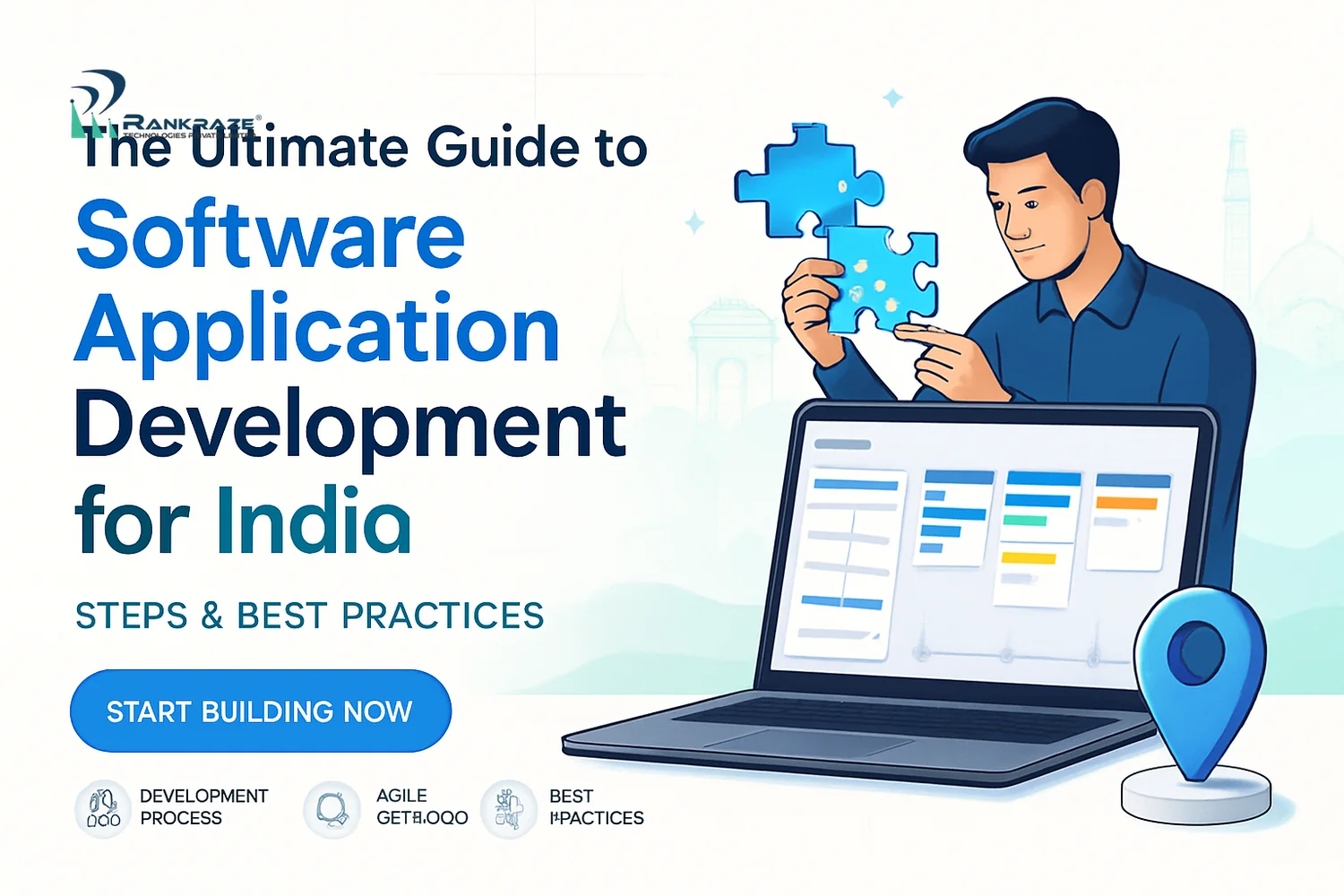
Introduction to Software vs. Application Development
Let's get to the basics. Knowing the difference between software development and application development is vital for Indian businesses. This understanding shapes your project choices, vendor selection, and your return on investment.
Software development covers everything from operating systems to device firmware. It's the broad world of technology. Application development focuses on software that solves a specific problem for users or businesses. Examples include a mobile banking app, a sales CRM, or an inventory system for retailers.
In India’s fast-changing digital scene, building good applications is about survival. With UPI changing payments and Digital India pushing tech use, reliable apps are a must. Whether you want more revenue, smoother operations, or happier customers, strong applications drive your digital growth.
This guide explains how Indian businesses can build applications that work. You'll learn how to pick the right process, budget wisely, include security, use new tech like AI, and avoid mistakes. My goal is to give you clear, useful advice for your next project.
Understanding the Application Development Lifecycle
Your project’s success depends on following the application development lifecycle. These steps keep your app on track, on budget, and aligned with business goals. Skipping any stage can lead to high costs, buggy launches, and unhappy users.
Here are the key stages, with tips for Indian businesses:
Planning: This is your project’s blueprint. Many Indian companies start coding too soon and face problems later. Planning means setting goals, defining scope, estimating time, and assigning tasks. Tools like Trello and Asana help organize work from the start.
Analysis: Now, understand what users need and what tech can do. For example, an e-commerce startup might track user feedback in Jira. This helps you focus on features that matter before spending money.
Design: This step turns ideas into real plans. Designers use tools like Figma or Adobe XD to create wireframes and prototypes. Reviewing these early saves time and money later.
Development: Building starts only after designs are ready. In India, React and Spring are popular for scalable apps. Use GitHub for version control to keep code safe and organized.
Testing: Testing is not just a final step. Use manual and automated tools like Selenium or JMeter to find bugs and security issues. In fields like healthcare or finance, skipping tests is risky.
Deployment: Going live is more than just uploading code. Set up cloud servers (like AWS or Google Cloud), automate rollouts, and monitor your app from day one.
Maintenance: After launch, keep supporting your app. Fix bugs, improve speed, patch security, and add features based on user feedback. If you stop, your app will lose users and value.
Each phase must also follow Indian laws. If you handle sensitive data, like medical or financial records, you must comply with the IT Act, 2000 and watch for new data protection rules. This affects where you store data and how you get user consent.
The main point: treat the development lifecycle as a careful process. Rushing any phase can cause the whole project to fail.
Custom vs. Off-the-Shelf Application Development: Choosing the Right Approach
At the start, you must decide: build a custom application or buy an off-the-shelf solution? The best choice depends on your needs, timeline, and how much you want to stand out.
Custom application development means building software from scratch to fit your business. For example, a logistics company may need special features like real-time tracking and GST invoices. Custom apps match your needs and can grow with your business.
The benefits are clear:
Your workflows shape the app, not the other way around.
You can connect with your current systems, like ERP or payment gateways.
You control the app’s future and can stand out from competitors.
Off-the-shelf solutions (such as QuickBooks or Zoho CRM) are ready-made and often sold as subscriptions. If your needs are standard, these apps are fast and affordable. You can start using them quickly and get vendor support.
But there are trade-offs. You get less customization and depend on the vendor for updates. Connecting with old systems can also be hard. Many Indian businesses start with off-the-shelf apps, then move to custom ones as they grow.
Custom vs Off-the-Shelf Application Development: Key Differences
Factors | Custom Development | Off-the-Shelf |
|---|---|---|
Cost | Higher upfront, lower long-term if you scale | Low upfront, predictable monthly/annual fees |
Time-to-Market | 3–12 months, depending on complexity | Instant to a few weeks |
Flexibility | Unlimited—your needs drive features | Restricted by vendor’s product roadmap |
Integration Ease | Designed for your stack | Possible, but may require add-ons or workarounds |
Scalability | You control capacity and evolution | May face limits as usage grows |
Support | Via your development partner or in-house team | Vendor-provided SLAs (varies by product) |
My advice: map your business workflows and see what is unique or important. If your tech gives you an edge, go custom. If you need speed and your needs are simple, pick off-the-shelf—but plan for future upgrades.
Leveraging Low-Code and No-Code Platforms for Faster Development
Low-code and no-code platforms have changed how Indian SMEs and startups build apps. These tools let you make working apps fast, often using drag-and-drop features, with little or no coding.
For Indian businesses, the benefits are clear. You can launch faster, save on developer costs, and stay flexible. Companies across India have built workflow apps in weeks using OutSystems, Mendix, and Zoho Creator.
Here’s where low-code/no-code platforms help:
Speed: Build MVPs (Minimum Viable Products) in days and get quick feedback.
Cost: Spend less on coding, which helps small businesses save money.
Empowerment: Let business teams build simple tools themselves and encourage innovation.
But there are limits:
Complex logic: If your process is complicated, traditional coding is better.
Custom integrations: Deep connections or advanced designs may not be possible.
Vendor lock-in: Moving away from the platform later can be hard and costly.
Here’s a comparison of top platforms for Indian businesses:
Low-Code/No-Code Platform Comparison (India Focus)
Platform | Strengths | Limitations | India Adoption |
|---|---|---|---|
Zoho Creator | Affordable, local integrations, good support | Not for deep custom logic or unique UI | High among SMBs and mid-sized firms |
Microsoft Power Apps | Works well with Office 365, strong automation | License costs, harder to learn | Medium, popular in large companies |
OutSystems | Enterprise-grade, good for complex apps | Expensive for small projects, may be too much for simple needs | Growing among big businesses |
AppSheet (Google) | Easy for data-driven apps, quick for SMEs | Limited for advanced features | Medium, used by startups and field teams |
In short, low-code/no-code is great for fast prototypes or internal tools. For complex or public-facing apps, check the platform’s limits before you commit.
Security Best Practices in Application Development
Security is not optional for Indian application development. Indian businesses face many threats, from ransomware to phishing and data breaches. Building security into your app from day one is the only way to protect trust and follow the law.
In practice, India
Related Articles
What Is Branding? A Comprehensive Guide for Indian Businesse
Step-by-Step Video Production Techniques for Marketing Video
The Complete Guide to Building Brand Identity for Startups w
Step-by-Step Guide to Designing Responsive Corporate Website
Step-by-Step Guide to Pay Per Click Advertising Campaigns in
How AI Services Boost Performance and ROI for Digital Agenci
.png&w=828&q=75)