
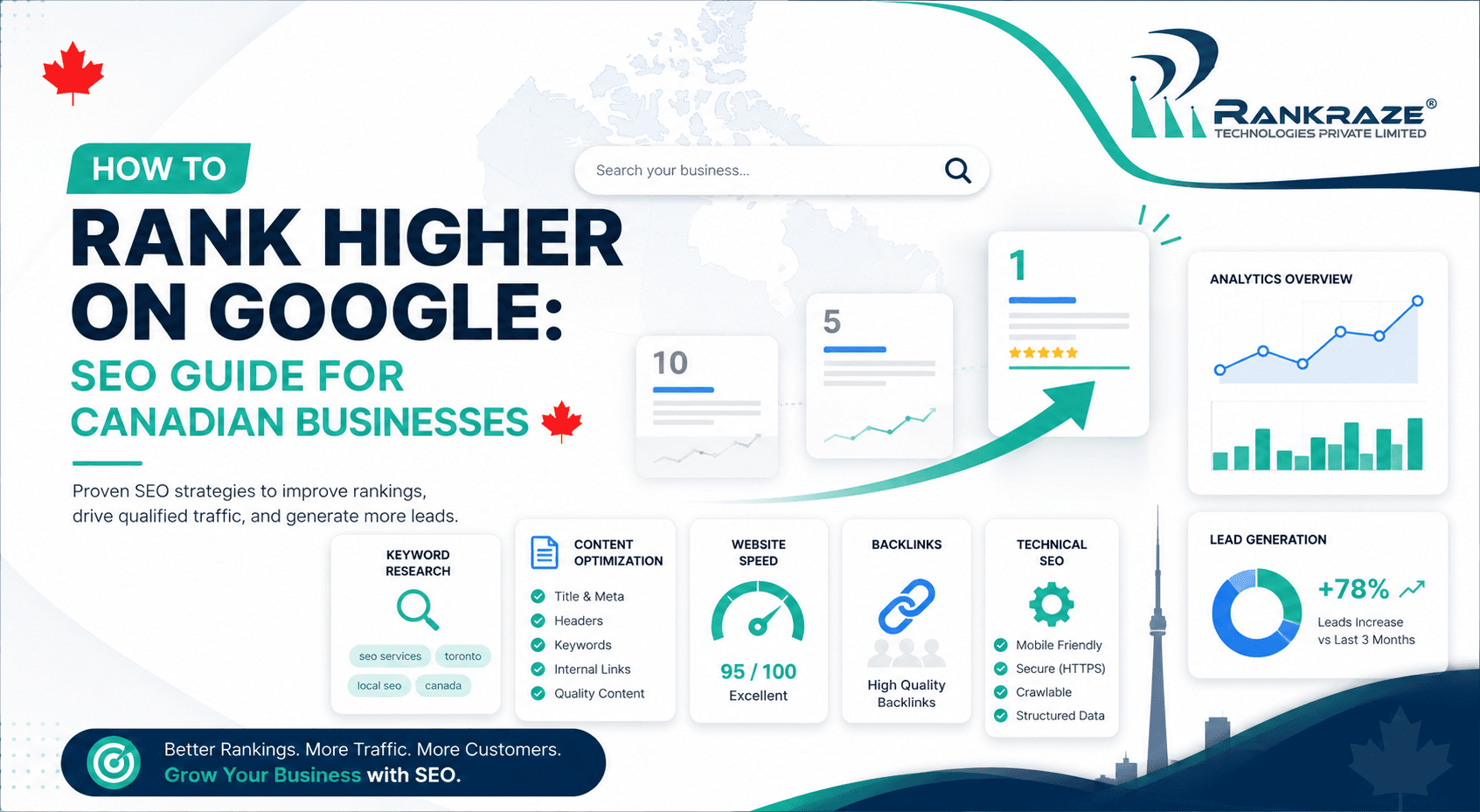
Ranking higher on Google is one of the most important growth opportunities for Canadian businesses today. Whether someone is searching for a home renovation company in Calgary, a dentist in Vancouver, an SEO agency in Toronto, or digital marketing services in Canada, the businesses that appear first usually get the first chance to earn the customer’s trust.
But ranking higher on Google is not just about adding keywords to a page. From what I have seen in real SEO campaigns, better rankings come from a combination of search intent, useful content, technical performance, internal links, Google Business Profile optimization, reviews, backlinks, and consistent tracking.
For small businesses, startups, ecommerce brands, local service companies, B2B firms, and SaaS businesses in Canada, this matters because your customers are already searching. The real question is whether your website and local presence are strong enough to appear when they are ready to compare, call, book, or buy.
In this guide, I will walk you through the practical SEO areas I would improve first if a Canadian business wanted to increase organic traffic, improve Google rankings, and generate more qualified leads from search.
What Does It Mean to Rank Higher on Google?
Ranking higher on Google means improving your visibility for the search terms your customers actually use. It does not mean chasing one keyword blindly. A strong SEO strategy helps your business appear across different search moments: informational searches, local searches, service searches, and high-intent buying searches.
For example, a Toronto business may want to rank for “SEO agency Toronto.” But it can also attract leads through blogs like “how to improve Google rankings,” “Google Business Profile optimization,” “SEO for small businesses,” and “local SEO for Canadian businesses.”
For local businesses, Google also considers how relevant, nearby, and trusted your business appears. That is why your website, Google Business Profile, reviews, backlinks, citations, and content should all support the same message.
Step 1: Understand Search Intent Before Optimizing
Search intent means the reason behind a search. Before writing or optimizing any page, you need to understand what the searcher wants.
For example, “how to rank higher on Google” is informational. The user wants a practical guide. “SEO agency Toronto” is commercial and local. The user is comparing agencies. “dentist Vancouver” is local. The user wants a nearby provider.
If the intent is wrong, the page will struggle even if the content is long. If Google is showing guides, create a guide. If Google is showing service pages, create a service page. If Google is showing local results, strengthen your local SEO and Google Business Profile.
Step 2: Choose the Right Keywords for Your Business
Keyword research is not about collecting hundreds of terms. It is about choosing keywords that can bring qualified visitors and leads.
For Canadian businesses, use a mix of service keywords, location keywords, problem-based keywords, and blog keywords. For example, if RankRaze Canada wants to target service-based searches, we should map keywords like digital marketing agency in Canada, SEO services in Canada, web development agency in Canada, and software development agency in Canada to separate service pages instead of forcing all of them into one blog.
Use tools like SEMrush Keyword Magic Tool, SEMrush Keyword Overview, or Google Keyword Planner to review search volume, keyword difficulty, CPC, and intent. Shortlist keywords that show business value, not just traffic potential.
You can internally link this section to your local SEO checklist for Canadian businesses page because keyword mapping is one of the first steps in local SEO planning.
Step 3: Create a Page That Fully Answers the Search Query
Google does not rank a page just because it uses a keyword. The page must answer the search query clearly, cover related questions, build trust, and guide the visitor toward the next action.
For “how to rank higher on Google,” a strong page should explain keyword research, search intent, on-page SEO, content quality, website speed, internal links, Google Business Profile optimization, reviews, backlinks, tracking, and updates.
For commercial keywords like “SEO agency Toronto,” “digital marketing agency in Canada,” or “web development agency in Canada,” the page should explain your services, process, proof, case studies, FAQs, pricing factors, and clear call-to-action. For local service keywords like “home renovation company Calgary,” include project examples, service areas, photos, reviews, and a quote form.
When I review a page, I ask four questions: Does it answer the main query? Does it cover related questions? Does it include proof? Does it guide the visitor toward the next action?

Step 4: Optimize Title Tags, Meta Descriptions, Headings, and URLs
On-page SEO helps Google and users understand your page. It also improves click-through rate from search results.
Your title tag should include the primary keyword and a benefit. Your H1 should clearly match the topic. Your meta description should explain why someone should click. Your headings should make the page easy to scan. Your URL should be short and readable.
For this blog, use:
Title Tag: How to Rank Higher on Google: 10-Step SEO Guide for Canadian Businesses
H1: How to Rank Higher on Google: A Practical SEO Guide for Canadian Businesses
URL: /how-to-rank-higher-on-google/
Avoid making the title too narrow. Your earlier version focused mainly on Google Maps SEO, but the keyword “how to rank higher on Google” needs a broader SEO guide.
Step 5: Improve Website Speed and Mobile Experience
A slow website can hurt both rankings and leads. This matters especially for local searches because users often search from mobile while comparing businesses quickly.
Open Google PageSpeed Insights, enter your page URL, and check both mobile and desktop performance. Review Core Web Vitals, large images, unused JavaScript, slow server response, layout shift, and mobile usability issues.
For a Calgary contractor, the “Request a Quote” button should load fast and be easy to tap. For a Vancouver clinic, the “Book Appointment” button should be visible on mobile. The goal is not only a better score. The goal is a smoother experience that helps users take action.
If your website has speed, mobile usability, layout, or conversion issues, it may need more than basic SEO fixes. In that case, working with a web development agency in Canada can help improve site structure, page speed, mobile experience, and lead-generation performance.
Step 6: Add Internal Links to Build Topical Authority
Internal links help Google discover important pages, guide users through your website, and build topical authority.
A common mistake I see is publishing blogs without linking to relevant service pages. This creates dead-end content that may get traffic but does not support conversions.
For example, a blog about Google rankings can link to SEO services in Canada, local SEO checklist for Canadian businesses, Google Maps SEO strategy, SEO audit process, and, where relevant, your web development agency in Canada page.
Avoid generic anchors like “click here.” Use descriptive anchor text that clearly explains the linked page.
Step 7: Optimize Your Google Business Profile for Local SEO
For local businesses, Google Business Profile optimization improves visibility in Google Search, Google Maps, and the local 3-pack.
Claim and verify your profile, then complete key fields like business name, category, service area, phone number, website, hours, services, photos, description, attributes, and appointment links.
Choose the most accurate category. A Vancouver dental clinic should choose Dentist, while a Calgary construction company should select categories that match its real services.
Upload real photos regularly, including team, office, project, product, or service images. Avoid keyword stuffing your business name. Use the real name because accuracy builds long-term trust.

Step 8: Collect Reviews and Build Local Trust
Reviews improve customer trust and local visibility. When two businesses appear together, the one with stronger, fresher, and more detailed reviews often gets more clicks.
After a project, appointment, delivery, or consultation, send your Google review link and ask for honest feedback. Do not offer rewards or discounts.
A weak review says, “Good service.” A stronger review says, “The team helped improve local SEO visibility for our clinic in Toronto and explained the process clearly.”
Never script reviews, but ask customers to describe their real experience. Also respond to every review professionally. For Canadian businesses, platforms like HomeStars, Clutch, and industry-specific review sites may also support trust.
Step 9: Build Backlinks, Citations, and Brand Mentions
Backlinks are links from other websites to your website. Citations are mentions of your business name, address, and phone number across online platforms. Both support trust and authority.
For local SEO, relevance matters more than volume. A Calgary renovation company can earn links from suppliers, associations, project partners, and sponsorships. A Toronto digital marketing agency can earn links from guest posts, case studies, podcasts, directories, and local media.
Keep your Name, Address, and Phone number consistent across your website, Google Business Profile, Facebook, Yelp, Bing Places, Apple Maps, Canadian directories, and industry platforms.
Avoid cheap backlink packages and spam directories. Focus on trusted, relevant platforms.
Step 10: Track Performance Using Google Search Console and GA4
SEO should not be based on guesswork. Once your page is published, track what is working.
Use Google Search Console to review clicks, impressions, CTR, average position, queries, pages, countries, and devices.
If a page has high impressions but low CTR, improve the title tag and meta description. If a keyword ranks between positions 8 and 20, improve the page with examples, FAQs, internal links, and stronger explanations.
Use Google Analytics 4 to check organic landing pages, calls, forms, bookings, quote requests, and purchases.
If a page gets traffic but no leads, improve CTAs, forms, testimonials, phone buttons, trust signals, and tracking. If leads are not tracked properly, a software development agency in Canada can connect your website, analytics, CRM, forms, call tracking, and lead-management system.

Common Mistakes That Stop Canadian Businesses From Ranking
Many ranking problems come from avoidable mistakes.
The most common mistake is targeting the wrong intent. If Google wants a guide and you create a sales page, the page may struggle. If Google wants local results and you create a generic blog, the page may not convert.
Another mistake is thin content. A few generic paragraphs will not compete with pages that include examples, FAQs, tools, proof, and clear next steps.
Other common issues include slow mobile speed, weak internal linking, incomplete Google Business Profile, few reviews, inconsistent business information, poor backlinks, and no performance tracking.
Google Ranking Checklist for Canadian Businesses
Use this checklist before expecting serious ranking improvement:
Choose one primary keyword per page.
Confirm the search intent.
Check the current Google results before writing.
Use the keyword in the title tag, H1, intro, and meta description.
Create useful content with examples and FAQs.
Improve mobile speed using Google PageSpeed Insights.
Add internal links to related service pages and blogs.
Claim and optimize Google Business Profile.
Collect and respond to genuine reviews.
Build relevant backlinks and citations.
Set up Google Search Console and GA4.
Refresh pages based on real data.
FAQs
How do I rank higher on Google as a beginner?
Start with search intent, keyword research, useful content, on-page SEO, website speed, internal links, Google Business Profile, reviews, backlinks, and tracking.
How long does it take to rank higher on Google?
For low-competition keywords, you may see movement in a few weeks. For competitive Canadian markets like Toronto, Vancouver, Calgary, Montreal, and Ottawa, SEO usually takes several months.
What are the most important Google ranking factors?
Important Google ranking factors include search intent, content quality, page experience, backlinks, internal links, technical SEO, topical authority, reviews, and local relevance.
Does Google Business Profile help SEO?
Yes. For local businesses, Google Business Profile helps visibility in Google Search and Google Maps. It can support calls, website visits, directions, and customer trust.
Can I rank higher on Google without backlinks?
You can rank for low-competition keywords with strong content and good on-page SEO. But for competitive keywords, backlinks and brand mentions usually become important.
Why is my business not ranking on Google?
Common reasons include wrong search intent, weak content, slow website speed, incomplete Google Business Profile, few reviews, poor internal linking, no backlinks, and no tracking.
Need Help Ranking Higher on Google in Canada?
If your website is indexed but not ranking, RankRaze Canada can help you fix gaps in SEO, content, website performance, and lead tracking.
Conclusion: Ranking Higher on Google Is a Trust-Building Process
If you want to rank higher on Google, do not look for one magic trick. Google rankings improve when multiple signals work together.
Your content must answer the search query. Your website must be fast and mobile-friendly. Your pages must be optimized. Your Google Business Profile must be complete. Your reviews must build trust. Your backlinks and citations must prove authority. Your tracking must show what to improve next.
At RankRaze Canada, I see SEO as a trust-building process. Every page, review, link, citation, photo, and customer interaction creates a signal.
The businesses that win are not always the biggest. They are usually the clearest, most consistent, most trusted, and most useful.
That is how you rank higher on Google — and turn rankings into real business growth.